
How to Review a Focus Timer App Without Chasing Streaks
Focus timer apps promise a cleaner workday: start a timer, ignore distractions, take a break, repeat. Some people find that structure useful. Others end up serving the streak instead of the work. A good review should ask whether the app helps you start, protect, and resume real tasks, not whether it makes a chart look satisfying.
This guide is for students, remote workers, and anyone testing a productivity app before paying or moving habits into it. It connects with App Review Digest’s habit tracker review and calendar app overload guide. The focus here is simple: does the timer reduce friction, or does it create another thing to manage?
Test with one task you have been avoiding
Do not test a focus app with an easy task you would have done anyway. Pick one real task you keep delaying: reading a chapter, sorting receipts, writing feedback, cleaning an inbox, or drafting a report. Set a short timer and start. The first measure is not how long you focus. It is whether the app makes starting less dramatic.
A useful app should reduce setup steps. If choosing a theme, session type, tag, playlist, and project takes longer than opening the document, the app may be stealing the warm-up energy it claims to protect. Customization is only helpful after the basic flow works.
Watch what happens when you are interrupted
Real focus sessions get interrupted. Someone asks a question, a class changes rooms, a delivery arrives, or a thought needs to be captured. Test the pause and resume flow. Can you stop without losing the session? Can you add a note? Does the app punish interruption so aggressively that you feel annoyed?
Streak pressure can make people hide reality. If the app treats every interruption as failure, the data becomes less honest. A strong focus tool should help you return to work, not shame you for having a normal day.
Check notification behavior before trusting it
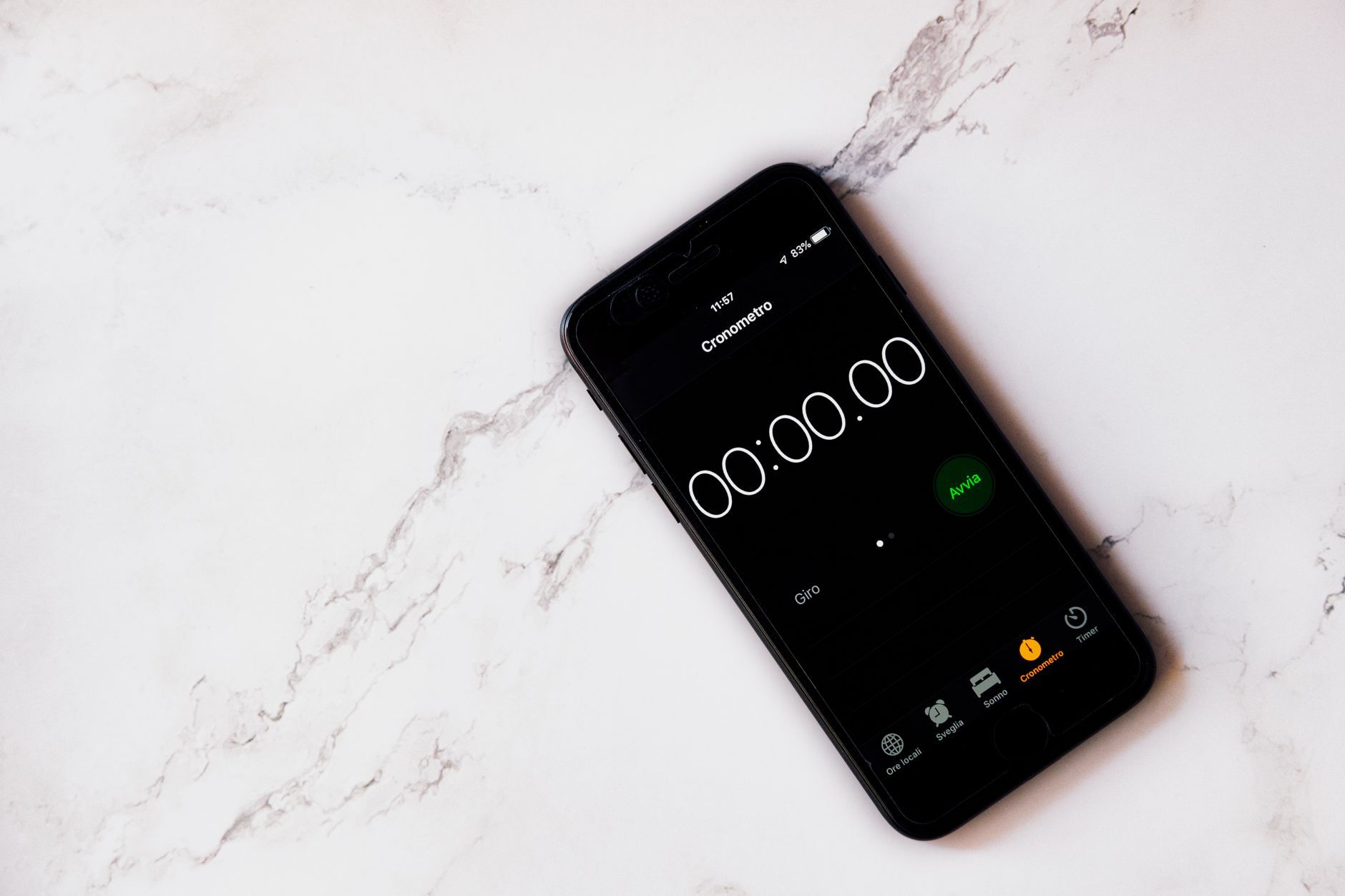
A focus timer app may ask for notification access, lock-screen alerts, sound, widgets, calendar access, or focus-mode control. Decide what it truly needs. A timer needs to tell you when a session ends, but it may not need broad access to your calendar, contacts, or location. Review settings before the app becomes part of your routine.
The NIST Privacy Framework at nist.gov is a useful way to think about data collection and user control. For a personal app, the practical version is simple: know what the app collects, why it collects it, how to turn off extras, and how to delete your data.
Compare preset timers with your actual energy
Many apps assume a classic pattern, such as 25 minutes of work and 5 minutes of break. That may help, but it is not universal. Some tasks need a 10-minute entry session. Others need 45 minutes before the work becomes deep. Test at least two session lengths before deciding the app works or fails.
Pay attention to transition cost. If a short timer breaks your concentration just as you begin to think clearly, lengthen it. If a long timer makes you avoid starting, shorten it. The timer should match the task, not the other way around.
Look at the break design
Breaks can help or derail the session. A good app makes breaks clear without turning them into another feed. Check whether the break screen encourages movement, water, rest, or a quick reset. Be cautious if the app fills breaks with social features, ads, badges, or prompts that make you stay on the phone.
Also test skipping or extending a break. Real work sometimes needs flexibility. If the app makes every adjustment feel like breaking the system, you may stop using it during busy weeks. Tools that survive imperfect days are usually better than tools that only work during ideal routines.
Decide what data is useful
Focus apps can track sessions, categories, streaks, total minutes, best days, and charts. Some data helps. Too much data becomes performance theater. Before the trial, choose one useful metric. It might be completed sessions on school nights, minutes spent on writing, or number of times you returned after interruption.
Do not let total minutes become the only score. Three focused sessions that finish a hard task may matter more than six decorative sessions spent organizing tags. The app should make work easier to evaluate, not replace the work with a scoreboard.
Test export and portability
If you plan to track focus over time, check export early. Can you export session history? Are tags included? Can you delete your account? Does the app work without an account? If the app is mainly a timer, lock-in may not matter. If it becomes your study or work record, portability matters more.
App Review Digest’s guide to testing AI note apps makes the same point from another angle: test history should not become a trap. The more history an app stores, the more important it is to know how you leave.
Run a one-week scorecard
Use the app for one week with ordinary tasks. Score five areas from 1 to 5: start friction, interruption recovery, notification control, useful records, and privacy clarity. Add one sentence about whether you completed more work or only tracked more work. That last sentence matters most.
If the app improved starting and returning, it may be worth keeping. If it mainly made you chase streaks, compare badges, or reorganize labels, uninstalling may be the productive choice. A focus tool should leave you with finished work, not only proof that a timer ran.
Include one non-work session in the test, such as reading, tidying a room, or practicing an instrument. Some apps handle desk work well but feel awkward for offline tasks. A good timer should not require you to keep picking up the phone to prove you are focusing.
Set one exit rule before the week starts. If the timer adds setup work on three separate days, stop testing and return to a simpler tool for now instead.
When a timer is not the right fix
A focus app cannot solve every attention problem. Sleep debt, anxiety, depression, medication side effects, workload overload, noisy housing, and unclear assignments may need support beyond an app. If focus problems are severe, persistent, or affecting school, work, or health, consider talking with a qualified professional or trusted support person.
For ordinary app choice, keep the standard modest. The app should help you begin, protect a short block, recover from interruption, and stop cleanly. If it does that with minimal data collection and no streak pressure, it has earned a longer trial.
You can also decide that the native clock app is enough. If all you need is a quiet 20-minute block and a reminder to stand up, a dedicated app may be unnecessary. The review should leave room for that answer. Not every productivity problem needs another account, dashboard, or subscription.
Focus app sources
- National Institute of Standards and Technology: Privacy Framework
- Federal Trade Commission: Mobile apps consumer advice
- App Review Digest: Review a habit tracker without streak pressure